


Have you ever needed to jot down a quick note, but did not want to open a large program like a word processor? Maybe you did not want to create an account or go through a long setup process.
If you want a fast, simple, and private way to take notes, an online notepad is exactly what you need. These tools open instantly in your browser and let you start writing right away. The best ones even save your work automatically without needing you to log in.
This article lists and compares the top online notepads available today. We’ll look at their features, strengths, and weaknesses to help you find the perfect tool for your needs.
Now, let us look into the top 5 online notepad tools.
Online Notepad Options That Keep Your Notes Safe Without Registration
1. QuillBot
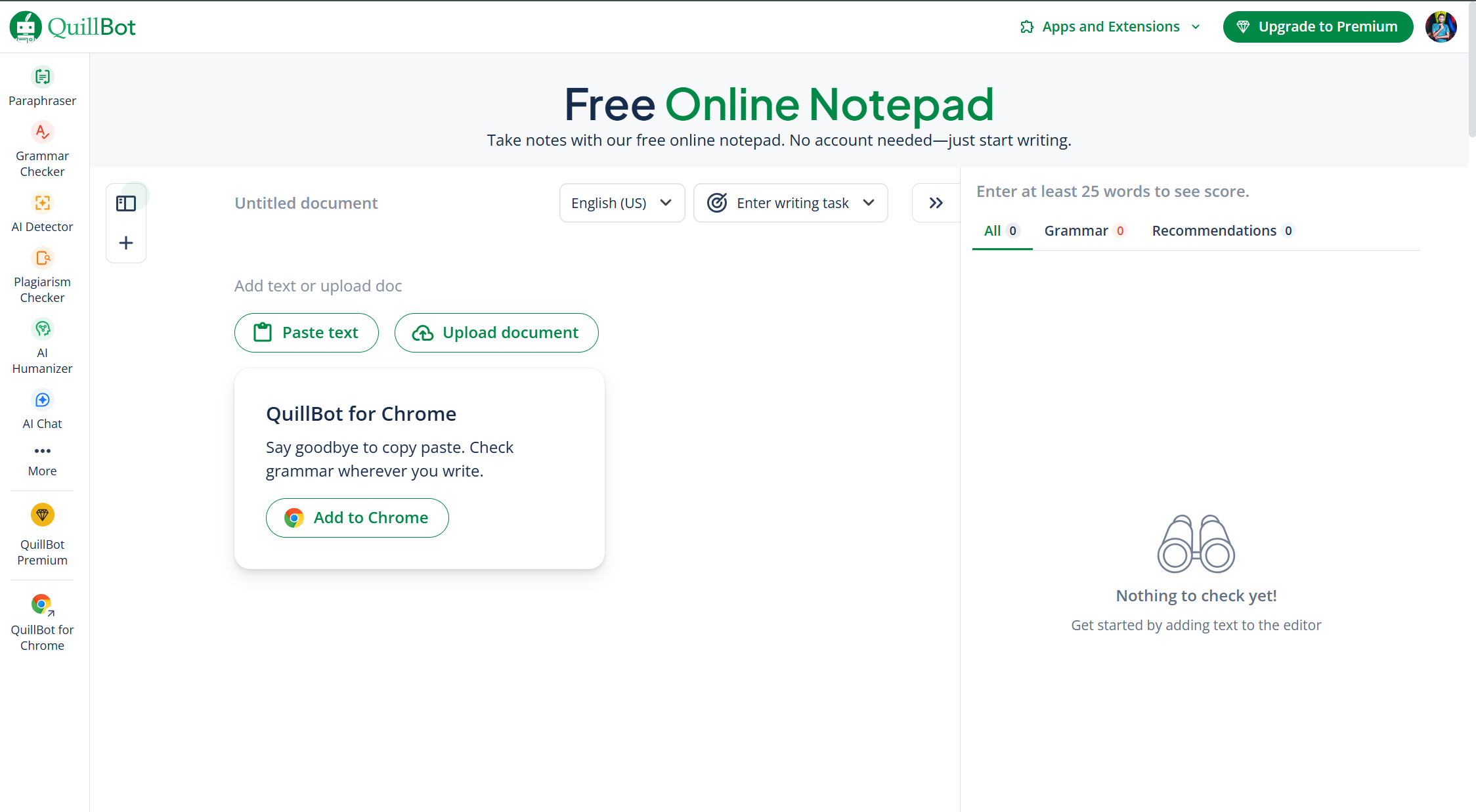
QuillBot is a versatile writing tool that goes beyond just a simple notepad. While its primary function is paraphrasing and grammar checking, its online co-writer serves as a powerful notepad.
It's a great choice for anyone who wants to write and edit at the same time. This tool is perfect for students, content creators, and professionals who need to refine their writing.
Key Features
-
AI-powered writing tools: Includes a paraphraser, summarizer, and grammar checker.
-
AI Co-Writer: Combines research, note-taking, and writing into one interface.
-
Multiple writing modes: Choose from Standard, Fluency, Formal, and more (depending on your plan).
-
Integrated citation generator: Easily create citations for your research.
-
Browser extensions: Use the tool directly within Google Docs, Chrome, and Microsoft Word.
Ratings
-
Trust Pilot: 4.8/5
-
Capterra: 4.5/5
Pros and Cons
-
Pros
-
Offers a suite of powerful writing and editing tools in one place.
-
Helps improve writing quality, vocabulary, and grammar.
-
The free version is quite generous for basic use.
-
-
Cons
-
Not a traditional, distraction-free notepad; it's more of a full writing assistant.
-
The free version has word limits on its main features.
-
Outputs may sometimes sound unnatural and require manual checks.
-
Pricing
QuillBot offers a solid free plan with limited features. Premium starts at $9.95 per month, $6.65 per month when billed quarterly, or $4.17 per month when billed annually at $49.95, giving up to 58% savings.
All plans come with a 100% money-back guarantee and the option to pause or cancel anytime.
How the Fileion Team Analyzed and Picked This Tool
We chose QuillBot for its comprehensive writing capabilities, which make it stand out from a basic notepad. The AI features and integrations were major factors in its high ranking.
Click here to visit
2. Speechnotes.co
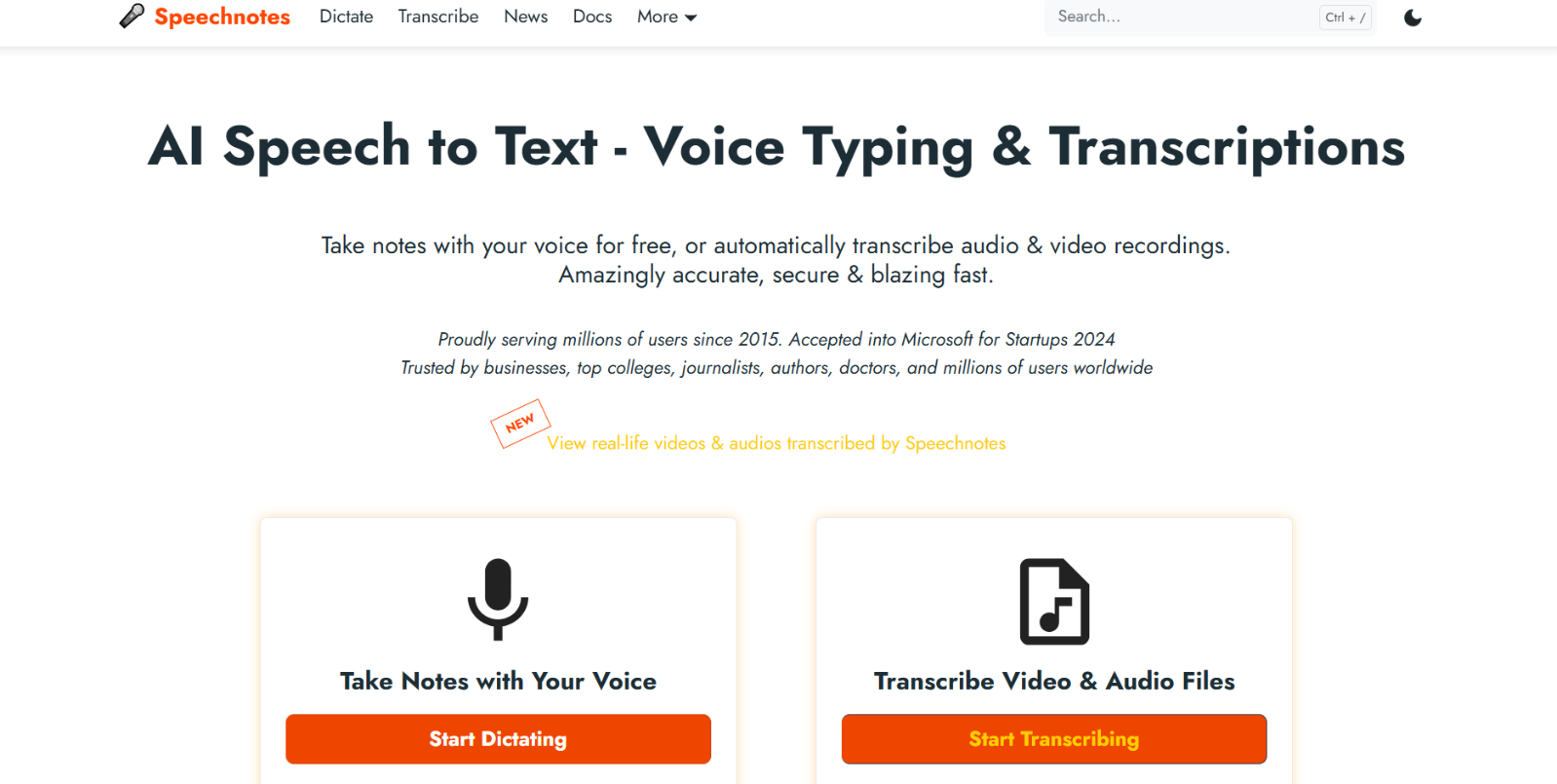
Speechnotes is a voice-to-text notepad that lets you speak and watch your words appear on the screen in real-time. It’s a powerful tool for those who prefer to dictate their thoughts rather than type.
This is perfect for students, journalists, and anyone with a lot of ideas to capture quickly, without the need for a keyboard.
Key Features
-
High-quality speech recognition: Uses advanced technology for accurate transcription.
-
Voice commands: You can use your voice to add punctuation and formatting.
-
Auto-save: Your work is saved automatically in the browser.
-
Offline functionality: Can work even without an internet connection once the page is loaded.
-
Export options: Easily save your notes as a text file or transfer them to Google Drive.
Ratings
-
Play store: 4.1/5
-
Tech Radar: 3.5/5
Pros and Cons
-
Pros
-
Highly accurate and fast voice-to-text conversion.
-
No login, no installation, and no complex setup.
-
Completely free to use for basic dictation.
-
-
Cons
-
Primarily focused on voice input, which might not be ideal for all users.
-
Requires a microphone and a quiet environment for best results.
-
The free version has ads, and the premium version is required for commercial use.
-
Pricing
Speechnotes offers a free version with unlimited dictation, an online notepad, and a Chrome voice typing extension. The Premium plan costs $1.90 per month and adds an ad-free experience, extra security, continuous dictation, and direct support from the developers.
For transcription, users can pay-as-you-go at $0.10 per minute, with features like speaker identification, timestamps, and caption exports
How the Fileion Team Analyzed and Picked This Tool
Speechnotes was chosen for its unique and powerful voice-typing functionality. Its ease of use and focus on a single, well-executed feature made it a strong candidate for this list.
Click here to visit
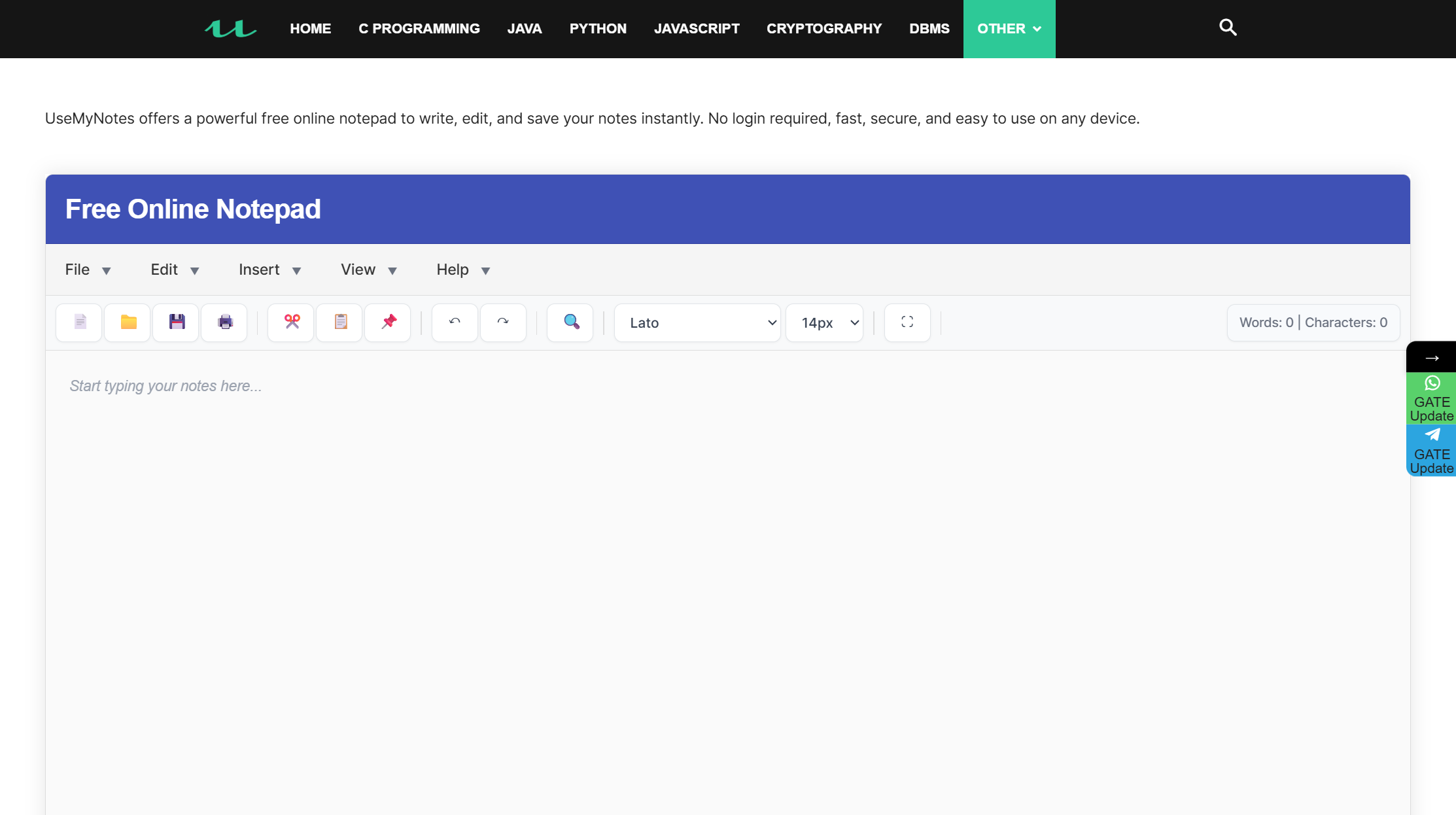
3. UseMyNotes.com
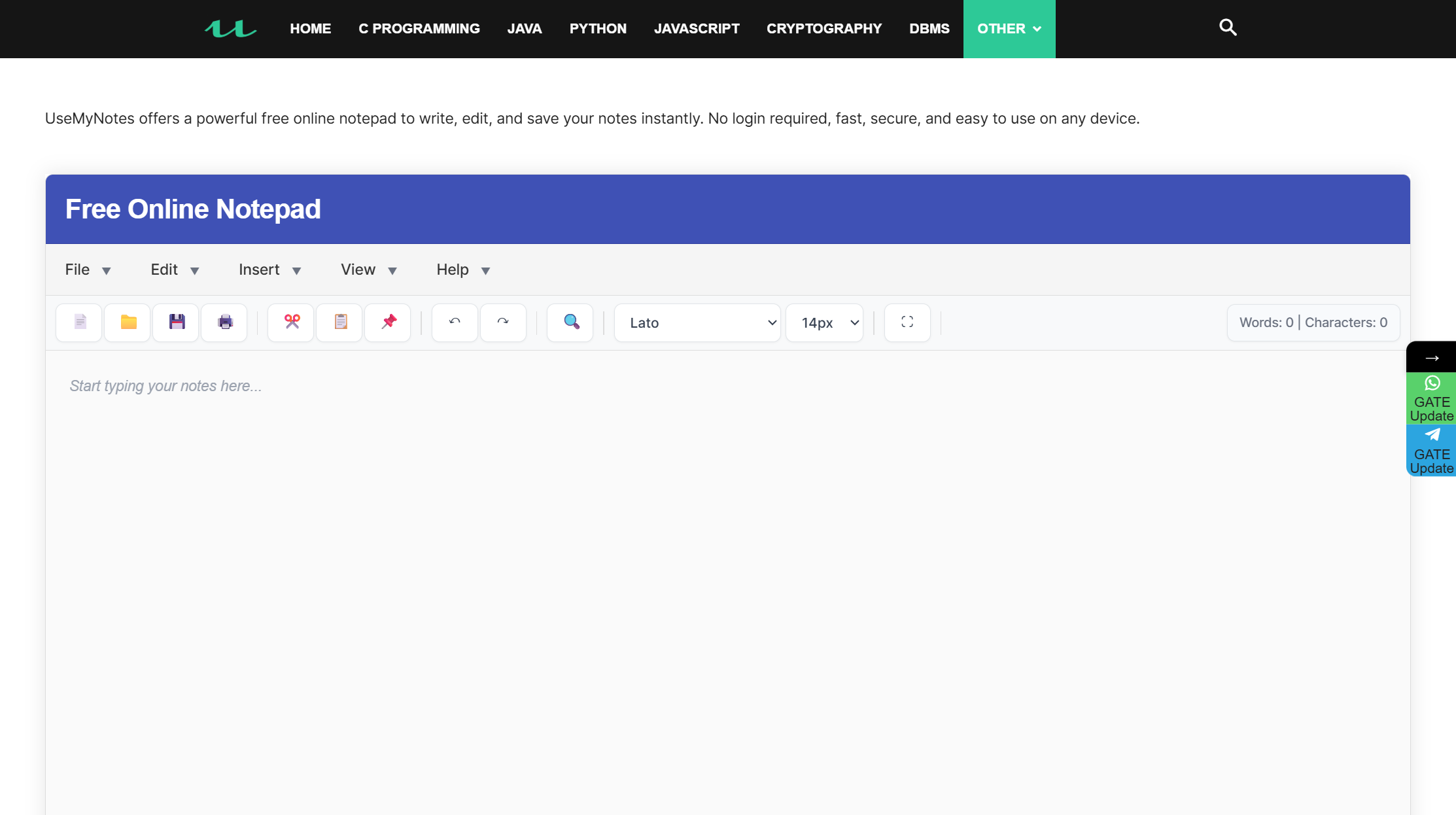
UseMyNotes.com is a user-friendly online notepad designed for instant note-taking. It is a secure and simple tool that allows you to start writing immediately without any sign-up or installation. It automatically saves your text, so you never have to worry about losing your work.
Key Features
-
Instant access: No sign-up or log-in is needed.
-
Auto-save: Your work is saved automatically in real-time.
-
Distraction-free interface: A clean and simple design to help you focus.
-
Works on any device: Accessible from any browser on your PC, tablet, or smartphone.
-
Secure: A simple and secure way to store personal notes.
Ratings
-
G2: 5/5
-
Usemynotes.com: 5/5
Pros and Cons
-
Pros
-
Offers an incredibly simple and quick note-taking experience.
-
No ads or clutter on the page.
-
Autosaves your notes as you type, providing peace of mind.
-
-
Cons
-
Limited features compared to more advanced tools.
-
Notes are saved locally, so they are not transferable to other devices.
-
Lacks collaboration features or integrations with other services.
-
Pricing
UseMyNotes.com is a completely free online tool.
How the Fileion Team Analyzed and Picked This Tool
UseMyNotes.com made this list because of its simple design and reliability. Its commitment to providing a clean, free, and secure space to write with no login requirement is a major plus.
Click here to visit
4. aNotepad
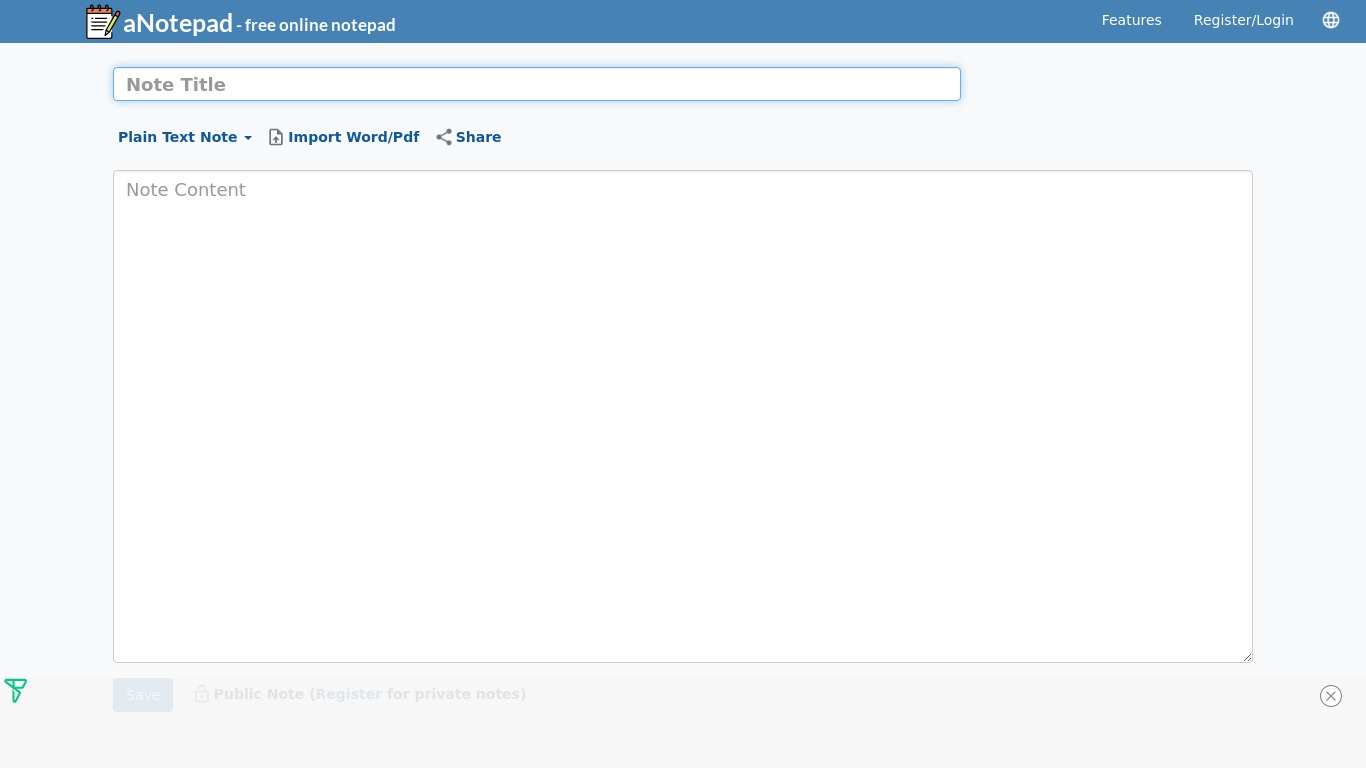
aNotepad is a straightforward online notepad designed for simplicity. It allows you to create and save notes with no account or login needed.
You can use it in "Standalone mode" where notes are stored locally on your device. This makes it an ideal option for anyone who wants a no-frills, private, and quick note-taking solution.
Key Features
-
No login required: Notes can be stored locally on your device without an account.
-
Rich-text editing: Supports formatting like bold, italics, and lists.
-
Public and private notes: You can choose to share notes publicly with a link or keep them private.
-
Mobile app: Take your notes with you on iOS and Android devices.
-
Note synchronization: Syncs notes across devices if you choose to create a free account.
Ratings
-
Apple Store: 4.9/5
-
Play store: 4.3/5
Pros and Cons
-
Pros
-
Extremely easy to use with a clean interface.
-
Does not force you to create an account.
-
The rich-text editor is helpful for organizing notes.
-
-
Cons
-
Notes are saved on your device, which means they are not accessible from other devices unless you create an account.
-
Pricing
aNotepad is free for basic use in Standalone mode.
How the Fileion Team Analyzed and Picked This Tool
aNotepad was selected for its direct and simple approach. Its ability to function completely without a login, combined with the option to upgrade, makes it a highly flexible tool.
Click here to visit
5. JustNotepad.com
JustNotepad.com is an online notepad that is as simple as its name suggests. It is a completely free, web-based tool with a minimalist interface.
The key feature is that it saves your text as a draft automatically in your browser's local storage. This allows you to close the tab and return to your work later without losing anything.
Key Features
-
100% free: No paid plans or hidden costs.
-
Auto-save: Automatically saves your work in your browser as you type.
-
Multi-page functionality: You can create and manage multiple drafts.
-
Character and word counter: A simple tool to track your word count.
-
Simple web interface: A clean, distraction-free writing experience.
Ratings
-
Playstore: 3.9/5
-
Trustpilot: 3.2/5
Pros and Cons
-
Pros
-
Absolutely free with no ads.
-
Extremely fast and easy to use.
-
The multi-page feature is a simple but effective way to organize notes.
-
-
Cons
-
Lacks rich-text formatting options.
-
Since notes are saved locally, they cannot be accessed on a different device or browser.
-
There are no options for file attachments, images, or other media.
-
Pricing
This tool is completely free.
How the Fileion Team Analyzed and Picked This Tool
We selected JustNotepad.com for its core focus on simplicity and accessibility. It is a perfect example of a tool that does one thing very well—providing a simple, free, and secure place to write.
Click here to visit
Comparison Table
| Software | Best For | Platform | Price | Fileion Rating |
| QuillBot | Writers and students who need AI help | Web, Windows, macOS | Free/Paid | 4.5/5 |
| Speechnotes | Fast voice-to-text dictation | Web, Android | Free/Paid | 4.4/5 |
| UseMyNotes | Minimalist and secure quick notes | Web | Free | 4.2/5 |
| aNotepad | Simple, private, and local note-taking | Web, iOS, Android | Free/Paid | 4.1/5 |
| JustNotepad | Quick, hassle-free drafts | Web | Free | 4.0/5 |
Final Verdict
QuillBot is best for students and writers who need more than just note-taking, thanks to its AI-powered paraphrasing and grammar tools.
aNotepad is a solid choice if you want rich-text formatting and optional cloud sync, while JustNotepad works well for quick local drafts without mess.
Speechnotes.co is the go-to if you prefer voice-to-text for capturing ideas easily and accurately.
UseMyNotes.com is the simplest and most secure ad-free option for straightforward, no-frills note-taking.
FAQ
Ques: What is the best free online notepad with auto-save?
Ans: JustNotepad.com is an excellent option as it is completely free, has no ads, and automatically saves your work in your browser without requiring a login. UseMyNotes.com is another strong candidate with similar features.
Ques: Is aNotepad better than QuillBot?
Ans: They serve very different purposes. aNotepad is a simple online notepad for basic note-taking, while QuillBot is a powerful AI writing assistant. If you just need a place to jot down ideas, aNotepad is better. If you need help with grammar, paraphrasing, and writing quality, QuillBot is the superior choice.
Ques: How do online notepads with "no login" save my notes?
Ans: Most online notepads that do not require a login save your data in your browser's local storage. This means the notes are stored on your computer, not on a server. You can access them again as long as you use the same browser and do not clear your browsing data.
Ques: What should I look for in an online notepad?
Ans: When choosing an online notepad, consider what features you need most. Look for auto-save, ease of use, and whether a login is required. If you need advanced features, check for things like rich-text formatting, voice-to-text, and cloud synchronization. Also, make sure the tool's privacy policy aligns with your needs.


